LocateMe
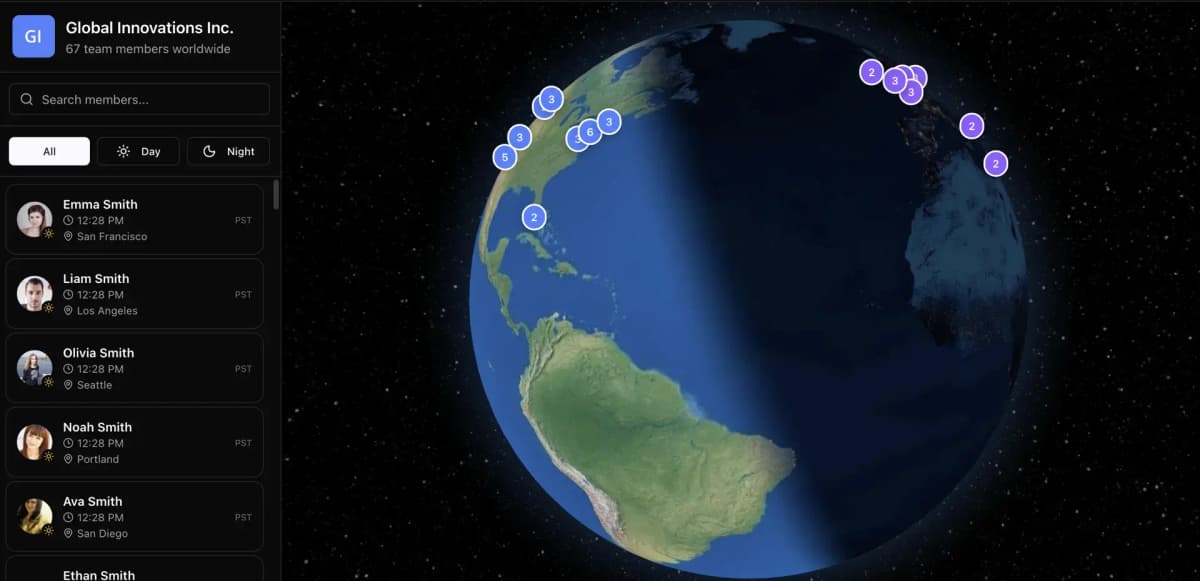
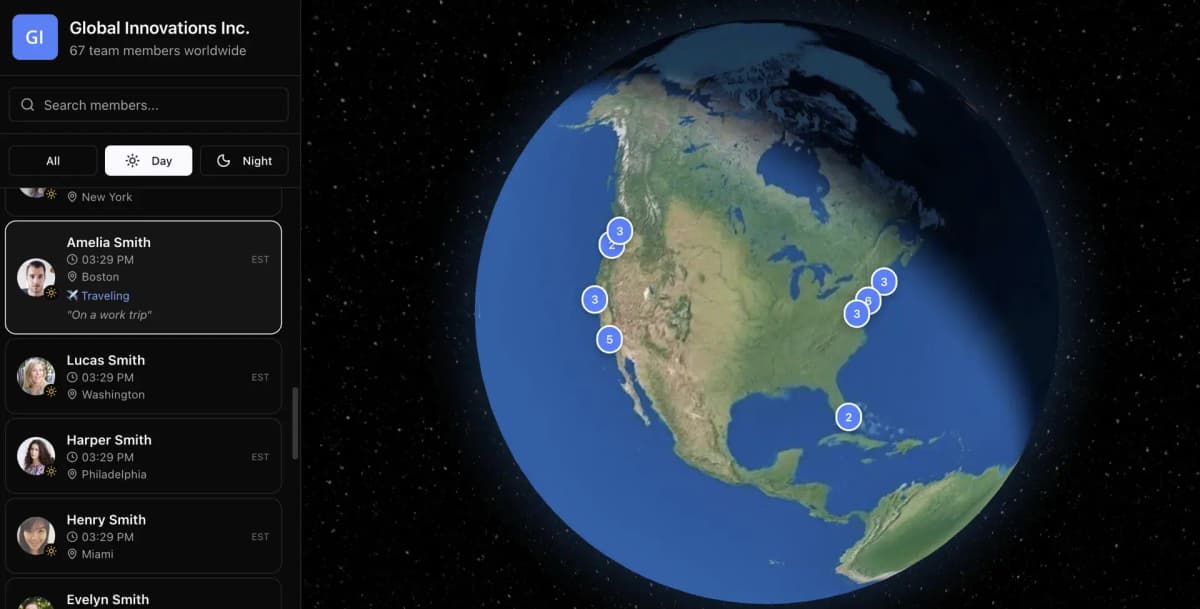
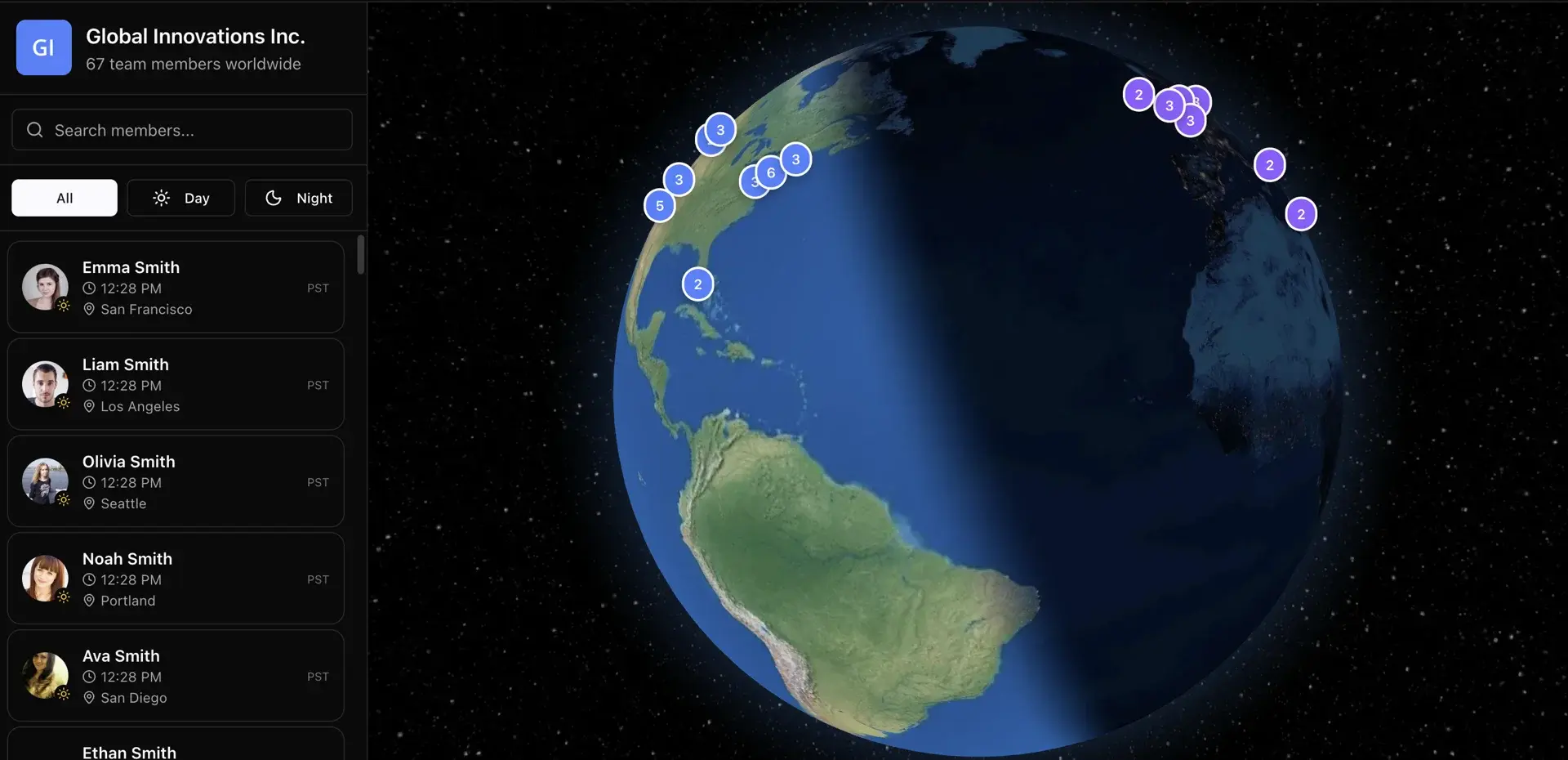
Working with distributed teams is something I've done a lot of over the years, and one problem kept coming up: I had no idea where everyone actually was at any given moment. Before firing off a message or scheduling a meeting, I'd find myself doing mental gymnastics—what time is it in Singapore? Is it a reasonable hour to ping the team in Berlin? LocateMe was built to solve exactly that.
The Problem
The core issue is simple but surprisingly easy to get wrong. Remote teams are spread across timezones, and figuring out a window that works for everyone is genuinely tedious without some kind of visual aid. I wanted something lightweight—a tool where a team could see all their members pinned to their local timezones at a glance, and pick a meeting time that actually falls within everyone's core hours without someone having to stay up at midnight.
Building It
This was a satisfying project to build because the scope was well-defined from the start. I had a clear problem, a clear output, and a straightforward User Interface (UI) in mind. The stack is a modern web setup, and for authentication I reached for Clerk for the first time. I'd heard good things and decided to just give it a go. Honestly, it impressed me—the integration was clean, the documentation was solid, and it got out of my way quickly. Clerk is now my first pick whenever I need auth in a new project.
The Stack
As usual, React, Next.js, and Vercel formed the core of the stack. I keep coming back to this combination because, honestly, it just works. Next.js handles routing and server-side rendering without making a fuss, Vercel deploys in seconds with zero configuration headaches, and React gives you a component model that makes building interactive UI straightforward. Web development genuinely feels like a pleasure when the tooling stays out of your way.
Working with Artificial Intelligence (AI)
LocateMe leaned heavily on Artificial Intelligence (AI) assistance during development, and that was intentional. I've put real time into figuring out how to work effectively with AI—writing clean specification documents, structuring prompts properly, and knowing when to trust the output and when to step in. The productivity gains are real, but only if you're a competent developer who can actually read and verify what the AI produces. If you're just copy-pasting output without understanding it, you're storing up problems for later.
One thing I noticed is that AI still struggles with higher-level architectural decisions. Choosing to use Redux for global state management, for instance, isn't something you'd want to leave to a code assistant—that's a judgment call that depends on the shape of your application. Those decisions are still squarely the programmer's responsibility.
What I Learned
LocateMe confirmed a few things for me. Clerk is excellent and I'll keep using it. AI assistance is genuinely useful when you treat it like a fast junior developer rather than an oracle. And solving a real, concrete problem—even a small one—tends to produce better software than building something abstract. If you're working with a remote team and timezone chaos is doing your head in, give it a try.
Screenshots