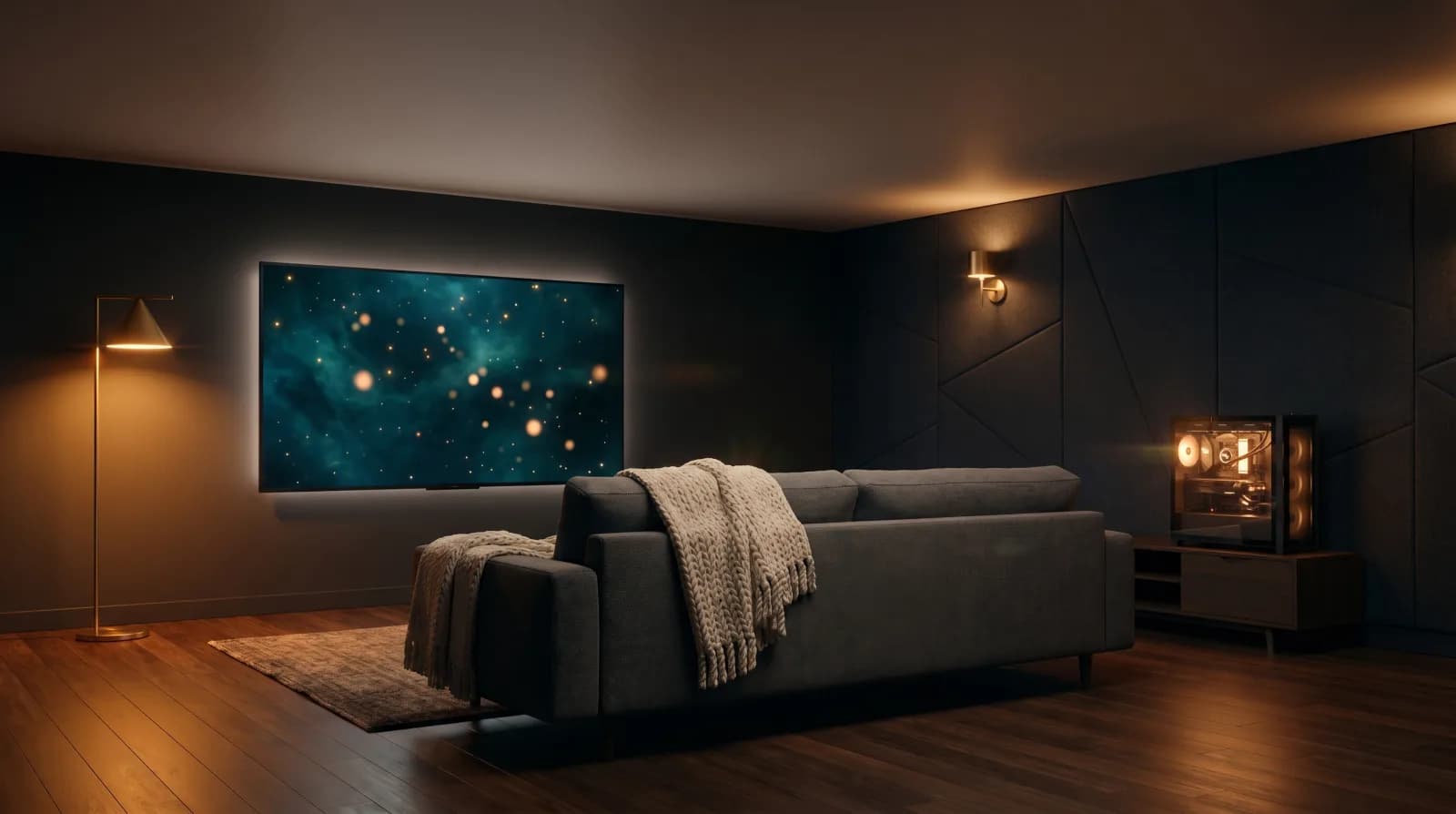
Reel Room
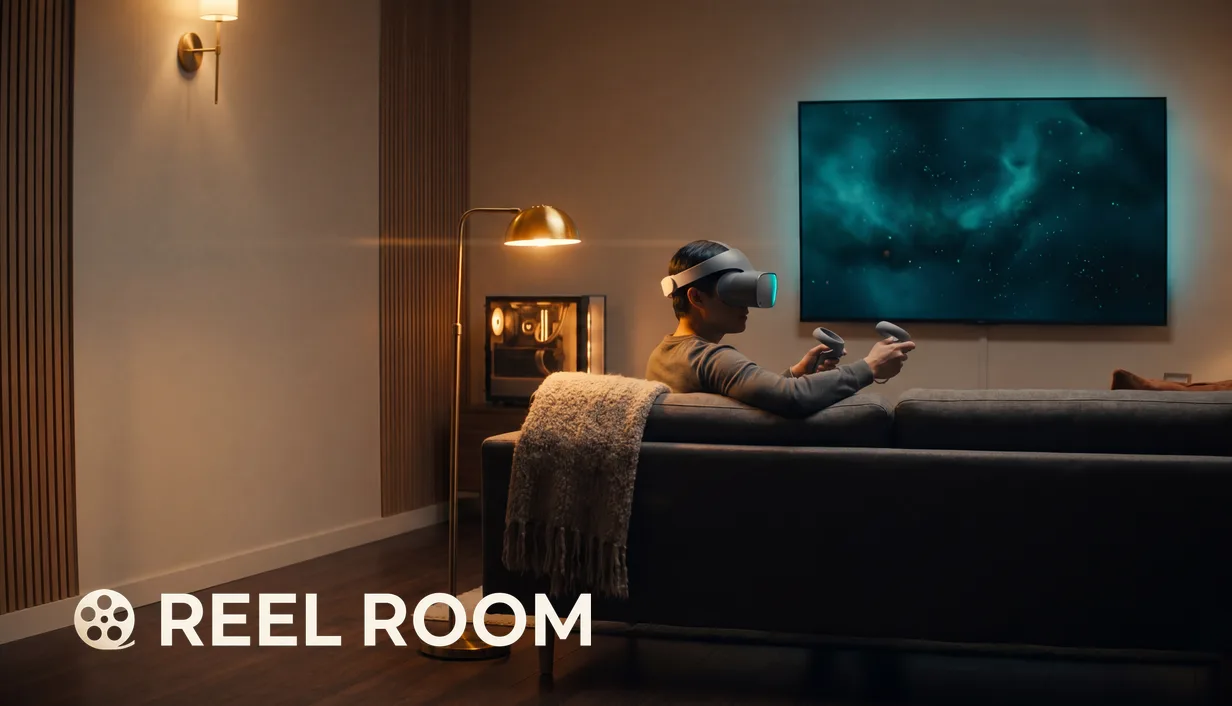
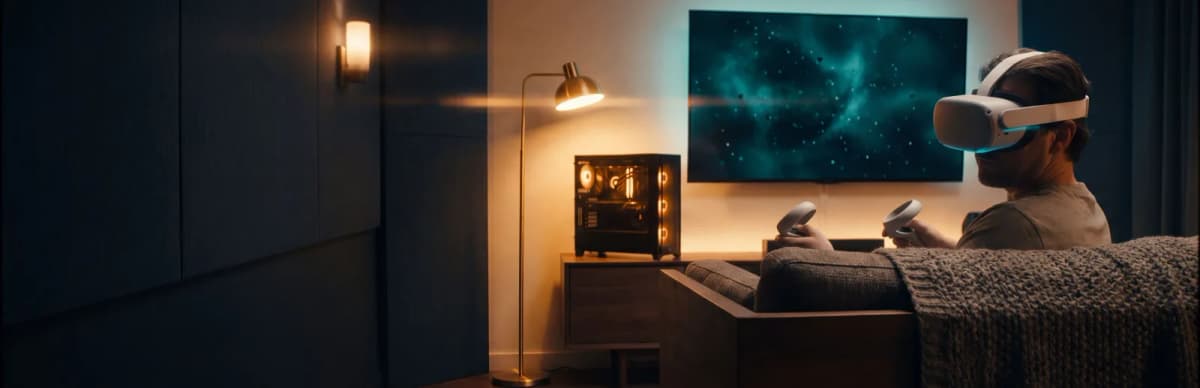
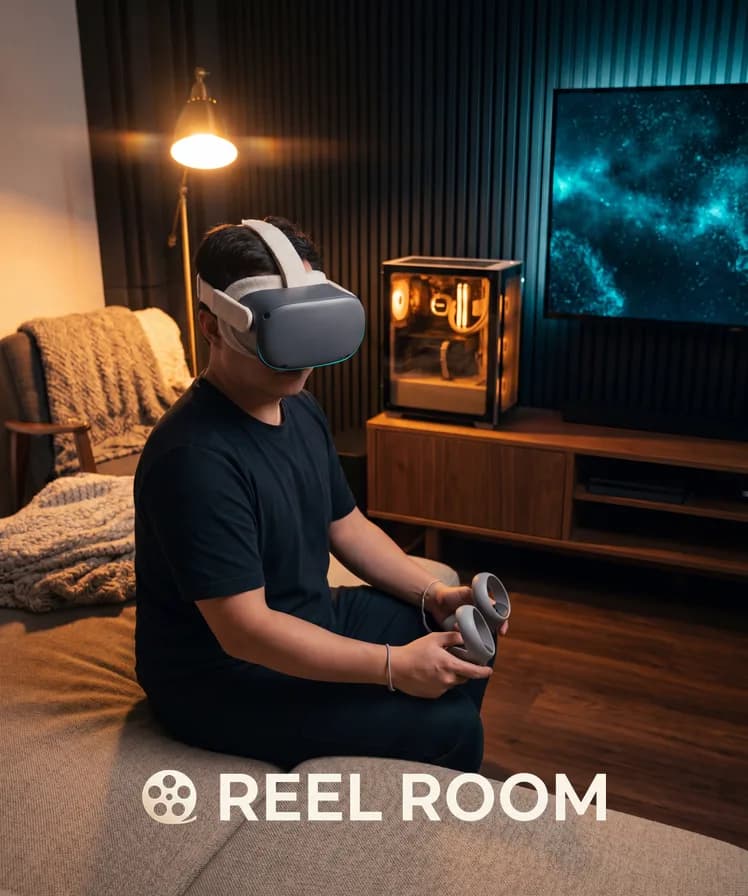
Reel Room is a Virtual Reality (VR) home theatre for Windows PC. It plays films, television, and music from your own library onto a virtual 4K screen inside hand-crafted rooms. Point it at a Jellyfin server, a local drive, or a network share and it reads your library as it already exists — folders, posters, metadata, and all.
It's a solo project, built because I wanted a VR player that was both easy to set up and uncompromising about output quality, and couldn't find one that was both.
Your Library, Untouched
The design rule underneath everything is that Reel Room doesn't modify your files. There's no upload step, no migration, and no re-encoding pass before you can watch anything.
There are three source types, switchable at any time from Settings:
- Jellyfin server — sign in with your existing credentials. Watch state stays on your server.
- Local drive — point it at a folder and it scans for films, series, and music.
- Network share — a NAS or Server Message Block (SMB) share on your Local Area Network (LAN), with credentials if the share needs them.
Playback and Quality
Where the hardware supports the source format, files direct-play. H.264 and High Efficiency Video Coding (HEVC) video is stream-copied rather than re-encoded, so what's on the drive is what reaches the screen. Where transcoding genuinely can't be avoided, audio is preserved at high fidelity — FLAC and lossless Advanced Audio Coding (AAC) survive intact on the music path.
Streaming is capped at 140 Mbps, which comfortably covers 4K Blu-ray bitrates. A wired gigabit connection is the recommendation for high-bitrate 4K over the network.
3D Movies
Side-by-side and over-under 3D films are detected straight from the library and presented with true stereoscopic depth on the virtual screen, in every environment, with no setup. For files that aren't tagged as 3D, a 2D/3D toggle is available during playback.
This was the feature I most wanted as a user and the one that was consistently most painful elsewhere. Getting it to work automatically, rather than as a per-file configuration chore, drove a lot of the library-parsing work.
Environments
Three rooms ship at launch, each with its own lighting, ambient audio rig, and decor:
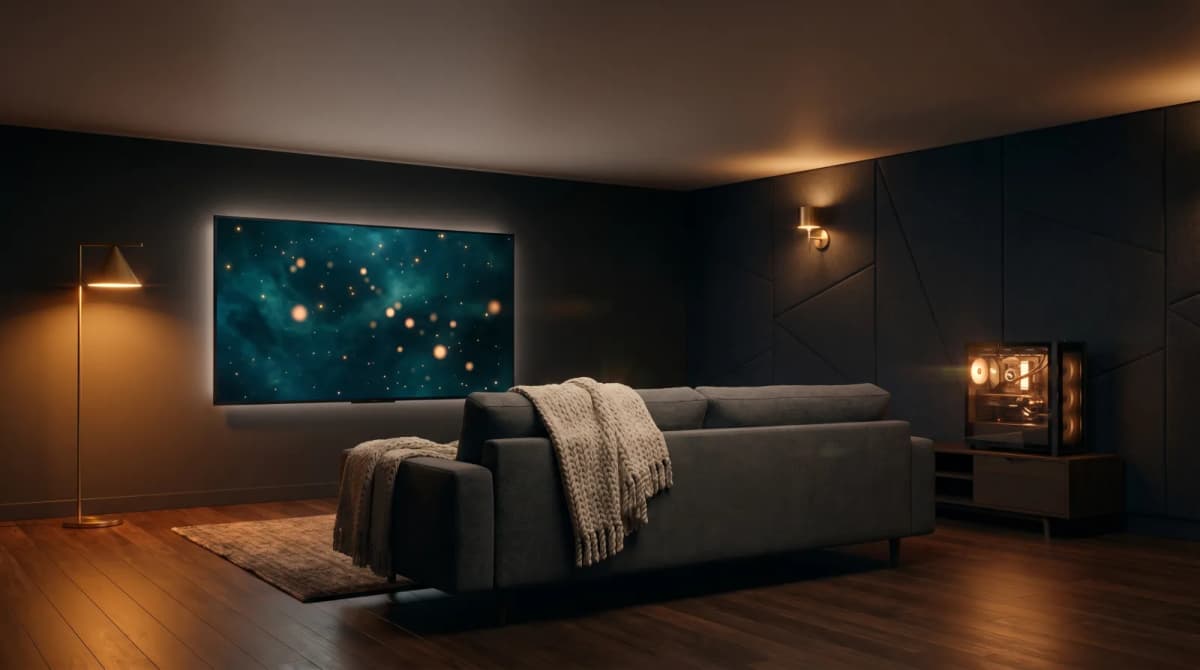
- Home Zen — a warm modern den with a big screen on the wall
- Theatre Zen — a cinematic, auditorium-scale space for full big-screen presence
- Music Room — album art on the screen and an audio rig in the space, tuned for listening
You switch between them in-headset with a flick of the stick. More rooms arrive in free post-launch updates.
Built for VR, Not Ported to It
Every screen in Reel Room is world-space User Interface (UI) and every interaction is motion-controller native. There's no flat menu floating in space, no mouse cursor, and no gaze pointer.
Analog scrubbing with ramping speed, chapter jumps, environment switching, and music transport controls all sit on a single controller. Recentering is automatic and glitch-safe, and the whole thing works seated, standing, or roomscale.
Music mode reuses the same library with a listening-focused presentation — album art on the screen, a queue you can shuffle, repeat, and seek.
Multi-Headset by Design
Reel Room is built on OpenXR rather than tied to a single vendor's Software Development Kit (SDK). It's tested on Meta Quest 2, 3, 3S, and Quest Pro (via Link or Air Link) and on Pimax Crystal and 8K-series headsets, and is compatible with any OpenXR-capable PCVR headset through its Windows runtime — SteamVR, Oculus PC, or Pimax Play. Controller bindings are tuned per device.
Settings sync across machines through Steam Cloud, so the Jellyfin login, room configuration, and playback preferences are set up once.
No Subscription, No Telemetry
Reel Room is a one-time purchase. No monthly fee, no ads, no telemetry. Watch history stays on your Jellyfin server, network traffic stays on your network, and the library stays yours.
That wasn't a positioning decision so much as a requirement I had as the first user.
Status
Reel Room is coming to Steam for PCVR on Windows 10 and 11. You can wishlist it on Steam or read the full breakdown at reelroomvr.com.
I've written about why I built it in more detail over on the blog.
Screenshots